

More than 90% of patients in the US read online reviews before choosing a healthcare provider. Most of them visit your website right after. If your site looks outdated, loads slowly, or feels hard to navigate, that patient is gone. They'll book with someone else in under 30 seconds.
Your healthcare website is your most powerful patient acquisition tool. It works 24/7. It answers questions before patients even call. It builds trust before they ever walk through your door.
But healthcare websites are not like regular business websites. Google classifies them as YMYL, "Your Money or Your Life" content. That means Google holds them to the highest standard of trust and accuracy. So do your patients.
There are also strict legal requirements to follow. HIPAA protects patient data. ADA accessibility laws ensure every patient can use your site. Skip either one, and you risk fines, lawsuits, and damaged reputation.
This blog breaks the entire process into 10 clear, actionable steps. From planning and platform selection to compliance and local SEO, you will know exactly what to build, why it matters, and how to get it right the first time.
Step 1: Plan Your Healthcare Website

Skipping the planning stage is one of the biggest reasons a healthcare website underperforms. Before you pick a platform or think about design, you need a clear plan in place.
Define Your Goals
Ask yourself: What do you want your website to actually do? Common goals for healthcare providers include:
- Attracting new patients in your city or zip code
- Enabling online appointment booking
- Showcasing your services and specialties
- Supporting telehealth consultations
Every design and content decision you make later should tie back to these goals.
Know Your Target Audience
A pediatric clinic in Dallas serves very different patients than a mental health practice in New York. Think about who will actually use your site, their age group, health concerns, and whether caregivers or family members will be searching on their behalf. This shapes everything from your navigation to the words on your pages.
Research Your Local Competitors
Visit 3 to 5 healthcare websites of similar practices in your city. Note what feels clear and trustworthy versus what feels outdated or confusing. You are not copying them. You are identifying the standard in your market so you can build something better.
Establish Your Brand Identity
Healthcare brands that earn trust generally use calming colors like blues and greens, clear language patients can understand, and a tone that feels warm but professional. Lock this in before you build. Changing your brand identity mid-project wastes time and budget.
Step 2: Choose Your Domain Name and Hosting
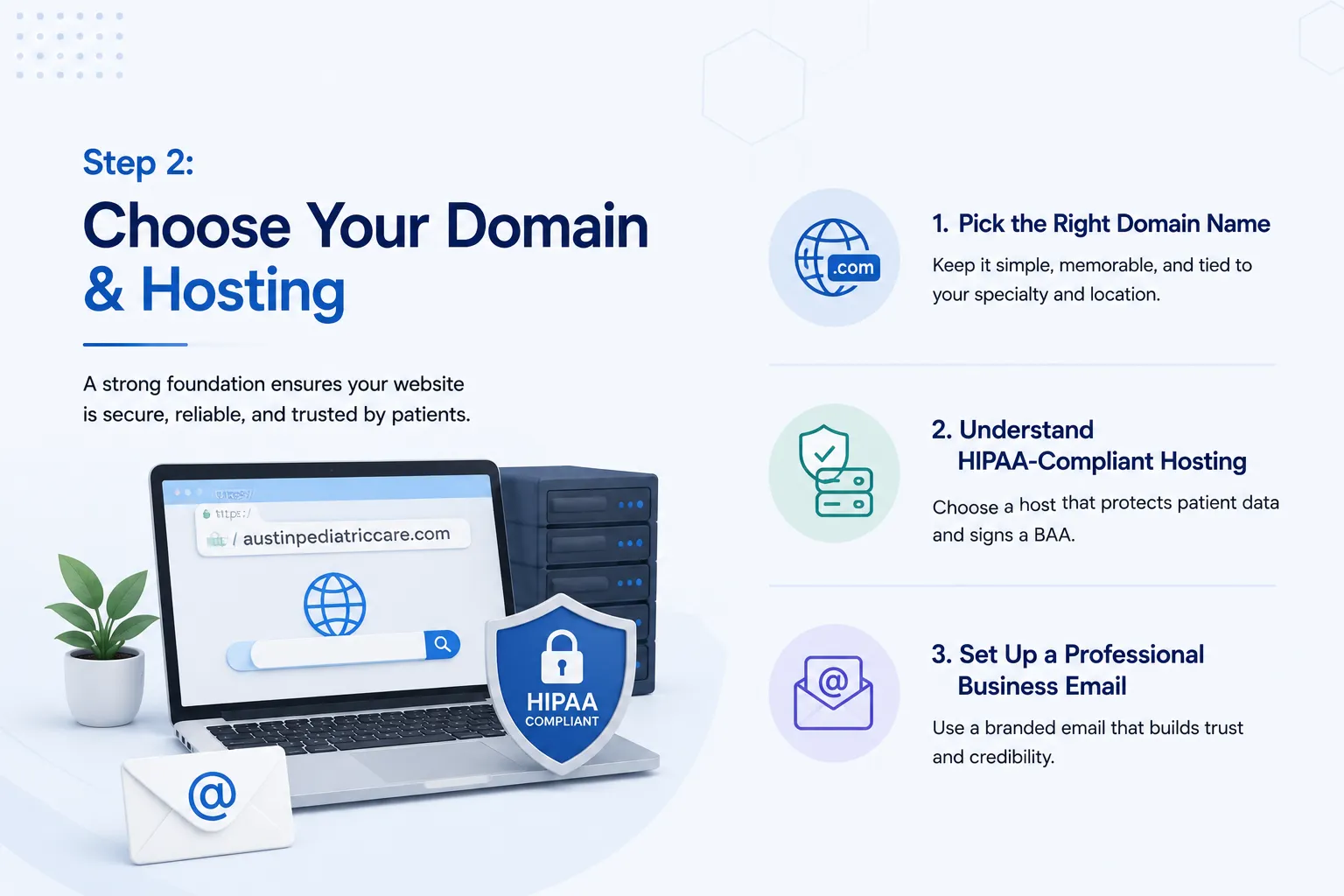
Your domain name and hosting are the foundation of your website. Get these right and everything you build on top of them will be stable, secure, and trustworthy.
Pick the Right Domain Name
Your domain name is your web address. It should be easy to spell, easy to remember, and clearly connected to your practice.
A simple formula that works well for healthcare providers:
Specialty + Location + .com
For example:
- austinpediatriccare.com
- dallasdentalgroup.com
- chicagofamilymedicine.com
Always go with a .com extension. Patients associate it with credibility. Avoid creative extensions like .health or .clinic as they may confuse patients searching for you.
Understand HIPAA-Compliant Hosting
Hosting is where your website lives on the internet. For healthcare providers in the US, regular shared hosting is not enough.
HIPAA-compliant hosting means your hosting provider must:
- Encrypt all stored and transmitted data
- Sign a Business Associate Agreement (BAA) with your practice
- Provide secure data backup and disaster recovery
- Log and monitor all server access

Verified HIPAA-compliant hosting providers that sign BAAs include Atlantic.Net, Amazon Web Services (AWS), Microsoft Azure, Liquid Web, and Rackspace.
Set Up a Professional Business Email
Once your domain is live, create a branded email address like info@austinpediatriccare.com. Patients trust a professional email far more than a Gmail or Yahoo address. It is a small detail that signals you take your practice seriously.
Step 3: Select the Right Platform for Your Healthcare Website

The platform you choose determines how your website is built, managed, and scaled. There is no single right answer. The best choice depends on the size of your practice and the features you need.
WordPress
WordPress is the most widely used platform for healthcare websites. It gives you full control over design, content, and functionality. With the right HIPAA-compliant hosting and plugins, it can handle everything from appointment booking to patient intake forms.
Because WordPress powers a large portion of the web, it is also the most targeted CMS by hackers. Healthcare practices must keep all plugins updated regularly and use a dedicated security plugin to protect patient data and site integrity.
It does require some technical knowledge to manage. Most practices work with a web development agency to build and maintain their WordPress site.
Website Builders
Platforms like Wix and Squarespace are a good fit for solo practitioners or small clinics that need a clean, professional website without complex features. They are easier to manage but offer less flexibility as your practice grows.

Custom Development
For large clinics, hospital networks, or practices that need patient portals, EHR integrations, or telehealth features built directly into the site, custom development is the right path. It takes more time and investment but gives you a fully tailored solution with no limitations.
Step 4: Design Your Website for Patient Trust and Accessibility
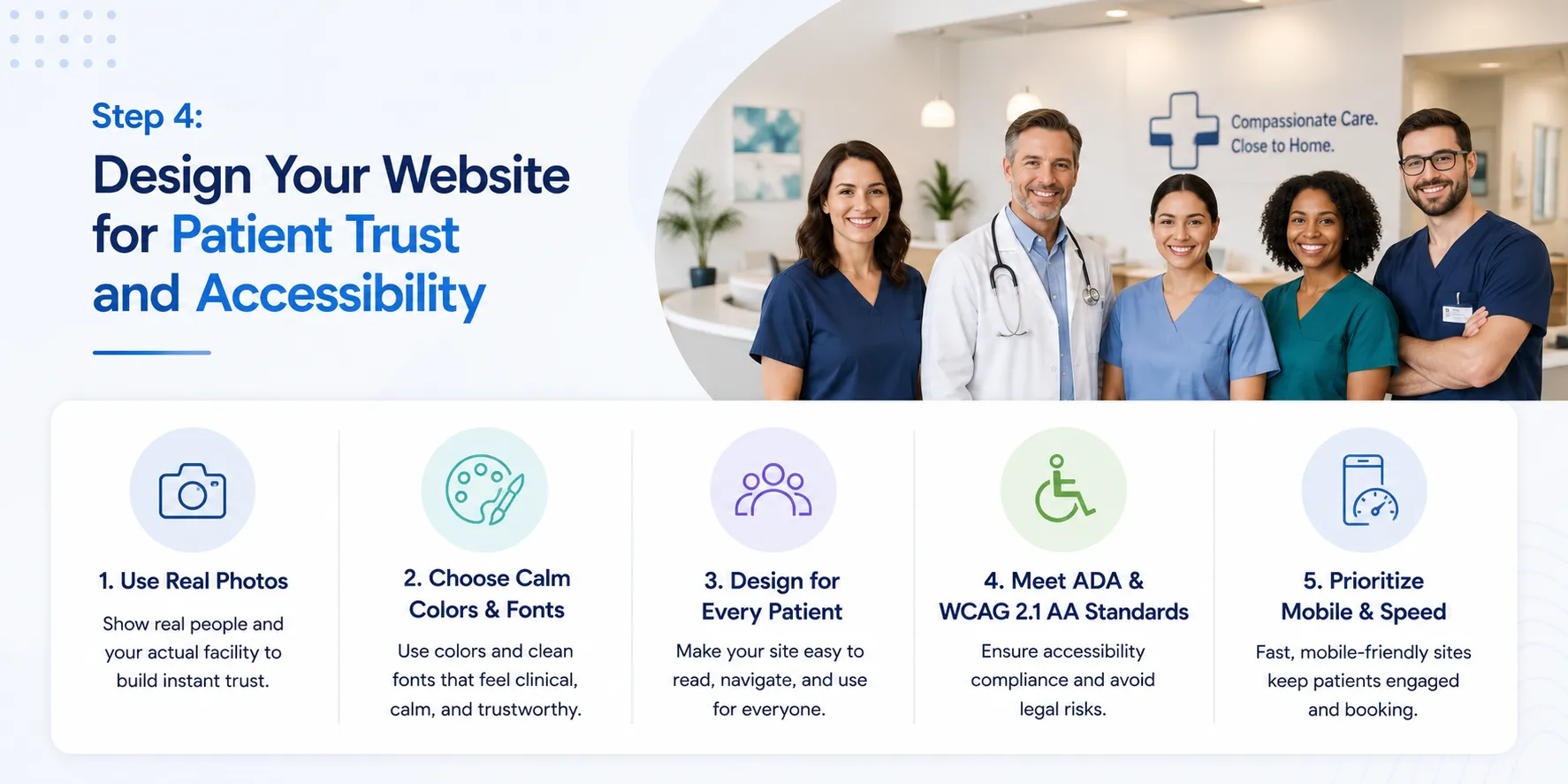
A patient decides whether to trust your practice within seconds of landing on your website. Good healthcare website design is not about looking fancy. It is about making patients feel safe, informed, and confident enough to book an appointment.
Use Real Photos of Your Team and Facility
Stock photos of smiling strangers in lab coats do not build trust. Real photos of your actual doctors, nurses, front desk staff, and clinic space do. Patients want to see who will be treating them before they ever walk in.
Invest in a basic professional photoshoot. It is one of the highest-return decisions you can make for your website.
Choose Colors and Fonts That Feel Clinical and Calm
Colors communicate before words do. Healthcare websites that earn trust consistently use:
- Blues and teals for professionalism and calm
- Whites and light grays for cleanliness and clarity
- Greens for health and reassurance
Avoid aggressive colors like red or orange as primary tones or use these effectively. Keep fonts clean and easy to read at any size.
Design for Every Type of Patient
Your website will be used by elderly patients, caregivers, people with low vision, and patients searching on a small phone screen. Design with all of them in mind.
This means:
- Large, legible font sizes
- High color contrast between text and background
- Simple, clearly labeled navigation menus
- No auto-playing videos or flashing content
Meet ADA and WCAG 2.1 Level AA Standards
ADA stands for the Americans with Disabilities Act. WCAG 2.1 Level AA is the technical accessibility standard that healthcare websites must meet.
As of May 11, 2026, this is now a legal requirement for healthcare practices with 15 or more employees that accept Medicare or Medicaid. Smaller practices have until May 10, 2027 to comply.
Non-compliance can result in federal complaints and lawsuits. An accessibility audit by a qualified agency is the fastest way to identify and fix gaps.
Prioritize Mobile and Speed
More than half of patients search for healthcare providers on their phones. Your website must look and work perfectly on every screen size.
Page load speed matters just as much. A site that takes more than 3 seconds to load loses a significant portion of visitors before they even see your content. Compress images, minimize code, and test your speed regularly using free tools like Google PageSpeed Insights.
Step 5: Build the Pages That Matter Most
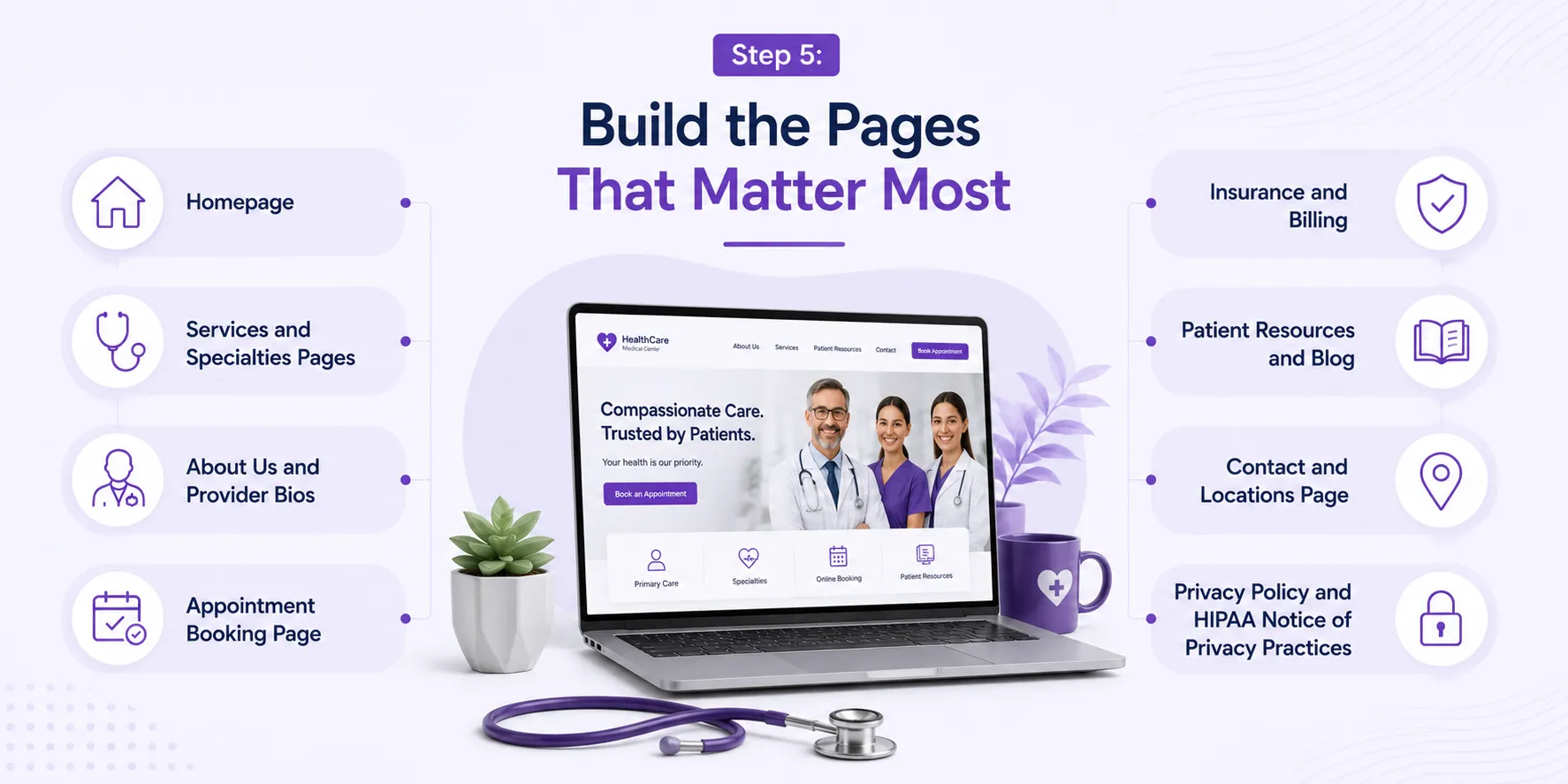
Every page on your healthcare website has a job to do. A well-structured site guides patients naturally from "I found this clinic" to "I just booked an appointment." Here are the pages you need and what each one should accomplish.
Homepage
Your homepage is your digital front door. It should immediately tell a visitor three things: who you are, what you treat, and how to book an appointment. Keep it clean, fast-loading, and focused on a single call to action.
Services and Specialties Pages
Create a dedicated page for each service or specialty you offer. This is not just good for patients, it is critical for SEO. A page titled "Knee Replacement Surgery in Houston" will rank far better than a generic "Our Services" page.
About Us and Provider Bios
Patients choose doctors, not just clinics. Feature individual provider profiles with real photos, credentials, board certifications, and a short personal note. This page builds more trust than almost any other page on your site.
Patient Resources and Blog
A blog and FAQ section positions your practice as a trusted source of health information. It also drives significant organic search traffic over time. Keep content jargon-free and reviewed by a qualified provider.
Insurance and Billing
List every insurance plan you accept. Patients check this before they book. A clear, updated insurance page reduces phone calls and removes a major barrier to new patient acquisition.
Appointment Booking Page
Make it as easy as possible to book. Use an online scheduling tool so patients can book without calling. The fewer steps between "I want an appointment" and "appointment confirmed," the better your conversion rate.
Contact and Locations Page
Include your full address, phone number, operating hours, and an embedded map. If you have multiple locations, give each one its own dedicated page for local SEO benefit.
Privacy Policy and HIPAA Notice of Privacy Practices
These are not optional. A HIPAA Notice of Privacy Practices (NPP) is a federal requirement for all covered healthcare entities. Your privacy policy should clearly explain how patient data is collected, stored, and used on your website.
Step 6: Add Features that Patients Expect
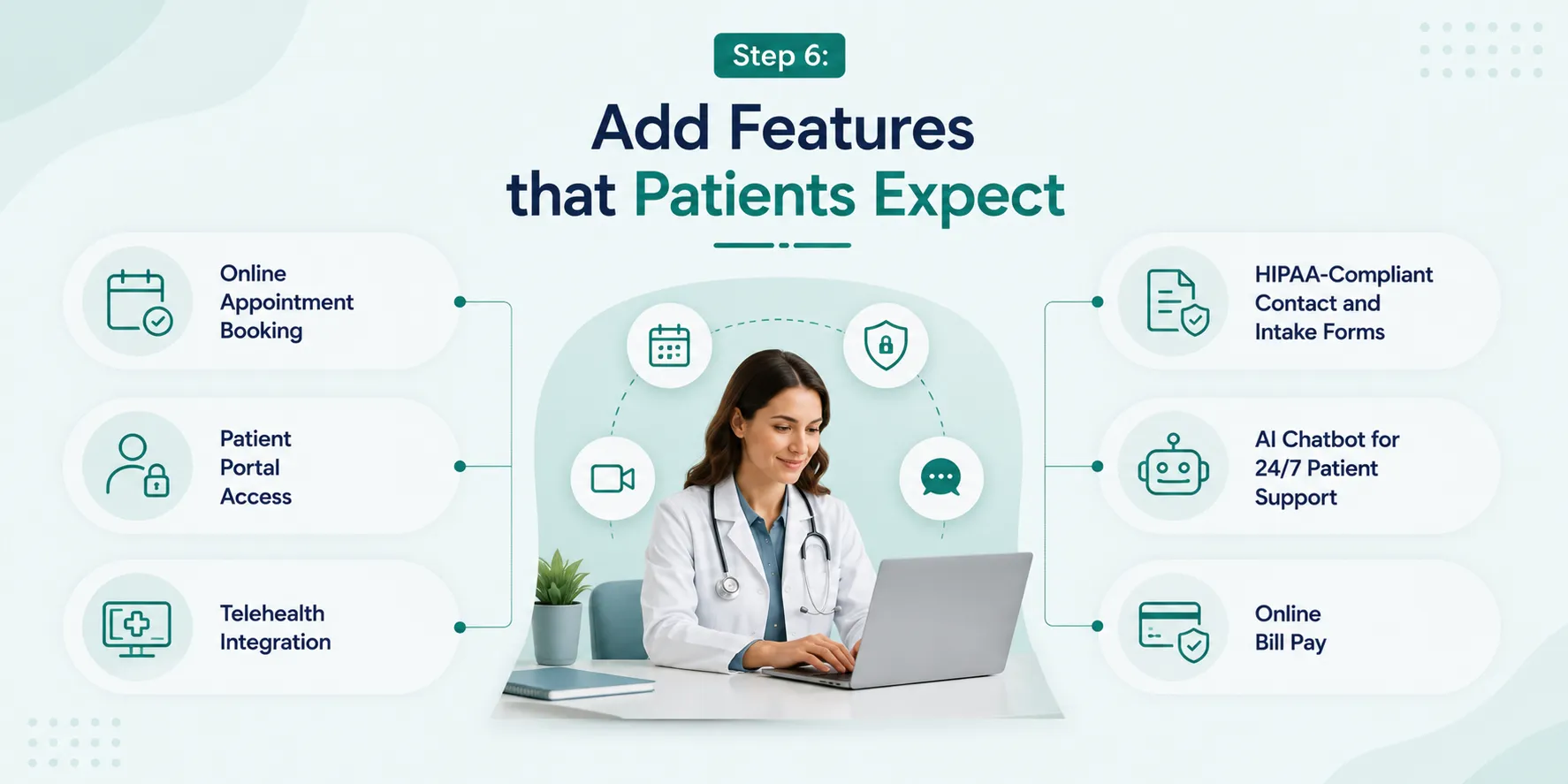
A well-designed website gets patients to your door. The right features keep them there and convert them into booked appointments. These are the functional elements your healthcare website needs to stay competitive today.
Online Appointment Booking
Patients expect to book appointments the same way they order food or buy flights, online, instantly, without picking up the phone. Integrate a scheduling tool like Zocdoc, Calendly for Healthcare, or a custom booking widget tied to your practice management system.
Patient Portal Access
A patient portal lets patients view their records, lab results, prescriptions, and appointment history securely online. Link your portal directly from your homepage and navigation menu. Patients who can self-serve are more satisfied and call your front desk less.
Telehealth Integration
Telehealth is now a standard expectation, not a bonus feature. Mental health services lead adoption with 28.2% of encounters happening virtually. Even if telehealth is a small part of your practice, make it easy to find and book directly from your website.
HIPAA-Compliant Contact and Intake Forms
Every form on your website that collects patient information must be HIPAA-compliant. Standard contact forms on most platforms are not. Use verified HIPAA-compliant form tools like Jotform HIPAA, Hushmail, or IntakeQ that encrypt submissions and support BAA agreements.

AI Chatbot for 24/7 Patient Support
A healthcare chatbot can answer common questions, guide patients to the right service page, and even initiate appointment booking, around the clock. Make sure any chatbot tool you use is HIPAA-compliant and does not store identifiable patient data without consent.
Online Bill Pay
Offering online bill payment directly through your website reduces billing friction and speeds up collections. It is a feature patients increasingly expect and one that directly impacts your practice's revenue cycle.
Step 7: Write Content That Builds Trust

Your website design gets patients to stay. Your content convinces them to book. Most healthcare websites lose patients here because they write for other doctors instead of writing for the people actually reading the page.
Write for Patients, Not Physicians
Use plain, simple language throughout your website. If a 12-year-old cannot understand a sentence on your services page, rewrite it. Avoid clinical abbreviations and medical jargon unless you immediately explain them in plain terms.
Instead of: "We provide minimally invasive laparoscopic cholecystectomy procedures."
Write: "We remove gallstones using a small, minimally invasive surgery that means less pain and a faster recovery."
Follow Google\'s E-E-A-T Standards for Healthcare Content
Google evaluates healthcare content by E-E-A-T, Experience, Expertise, Authoritativeness, and Trustworthiness. This directly affects how your pages rank in search results.
To meet this standard:
- Add the author's name and credentials to every blog post and article
- Include a "medically reviewed by" note where relevant
- Cite reputable sources like CDC, Mayo Clinic, or peer-reviewed studies
- Keep all medical information current and regularly reviewed
Write Service Pages That Answer Patient Questions
Each service page should answer three things a patient actually wants to know:
- What is this treatment or service?
- Who needs it and why?
- What should I expect during and after?
A service page that answers these questions honestly will outperform a page that simply lists bullet points of features.
Add FAQs to Every Key Page
FAQs reduce the volume of calls to your front desk and improve your chances of appearing in Google's featured snippets. Write them in the exact language your patients use when searching, not the language you use in a consultation room.
Step 8: Secure Your Website and Stay HIPAA Compliant

Security and compliance are not optional extras for a healthcare website. They are legal requirements. A data breach or compliance violation can result in federal fines, lawsuits, and permanent damage to your practice's reputation. If you want a deeper breakdown of what HIPAA-compliant website design actually requires at the technical level, we've covered it in detail.
Install an SSL Certificate
An SSL certificate encrypts the connection between your website and your visitors. You can identify it by the padlock icon and "https" in a browser's address bar. Every healthcare website must have one. Most reputable hosting providers include it for free.
Understand What HIPAA Requires for Your Website
HIPAA - the Health Insurance Portability and Accountability Act, governs how patient health information is collected, stored, and transmitted. For your website, this means:
- Any form that collects patient data must be encrypted end-to-end
- Every third-party tool or vendor handling patient data must sign a Business Associate Agreement (BAA)
- Patient data must never be stored on unsecured servers
- Access to any patient information must be logged and monitored
Be Careful With Tracking Pixels
This is one of the most overlooked HIPAA risks on healthcare websites today. Meta Pixel, standard Google Analytics, and similar tracking tools can capture a visitor's IP address alongside the health-related page they visited. Under HHS guidance, this combination qualifies as Protected Health Information (PHI), and sharing it with ad platforms is a HIPAA violation.
⚠️ Do not run standard ad tracking pixels on pages that contain health-related content, appointment forms, or patient portal links.
Use HIPAA-safe analytics alternatives like Matomo or server-side tracking configurations that do not pass identifiable data to third parties.
Know Your State-Level Privacy Obligations
Beyond federal HIPAA rules, several states have their own patient data privacy laws. California's CCPA, along with laws in Virginia and Colorado, add additional requirements around data disclosure and patient rights. If your practice serves patients in these states, factor these laws into your website's privacy policy and data handling practices.
Step 9: Optimize Your Website for Local SEO
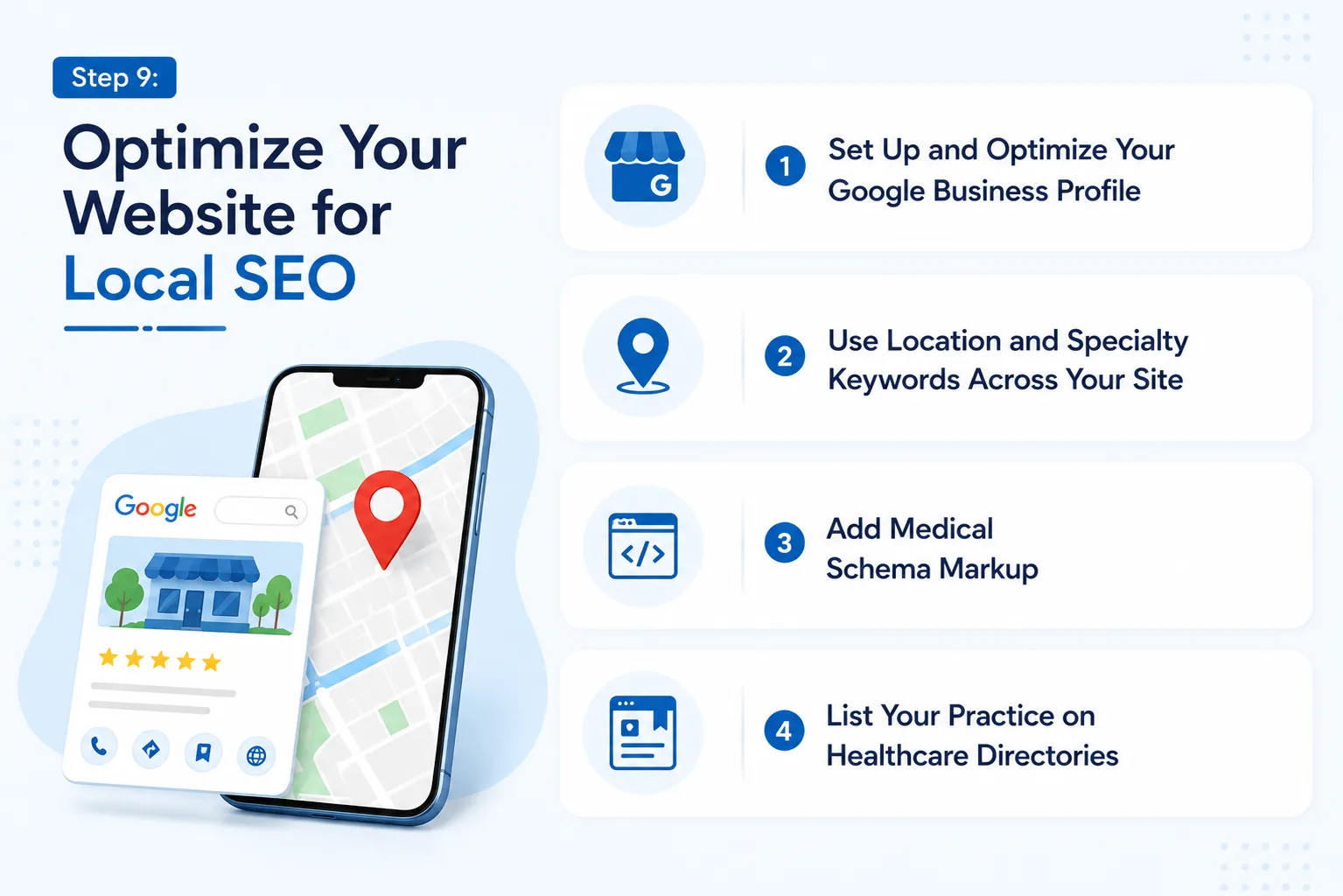
Most patients do not search for "best cardiologist in the country." They search for "cardiologist near me" or "heart doctor in Austin." Local SEO is what makes your practice show up when that search happens.
Set Up and Optimize Your Google Business Profile
Your Google Business Profile is the listing that appears on Google Maps and in local search results. Claim it, verify it, and fill every field completely. Choose the most accurate primary category for your practice, add your services, upload real photos, and keep your hours updated.
Actively collect patient reviews here. Star ratings directly influence how high your profile ranks in local search results.
Use Location and Specialty Keywords Across Your Site
Weave location-based keywords naturally into your page titles, headings, and body content. The formula is simple: specialty + city or neighborhood.
For example:
- "Pediatric dentist in Phoenix"
- "Orthopedic surgeon in South Chicago"
- "Family medicine clinic in Downtown Seattle"
Each location you serve and each specialty you offer can have its own optimized page.
Add Medical Schema Markup
Schema markup is a piece of code added to your website that helps Google understand exactly what your business is. For healthcare websites, use MedicalOrganization or Physician schema. It improves how your listing appears in search results and increases click-through rates.
List Your Practice on Healthcare Directories
Being listed consistently across trusted directories strengthens your local search presence. Make sure your practice is listed on:
- Healthgrades
- Zocdoc
- WebMD
- Vitals
- RateMDs
Keep your NAP - Name, Address, and Phone number identical across every directory and your website. Even small inconsistencies confuse search engines and hurt your rankings.
Step 10: Launch, Track, and Continuously Improve

Building your website is not the finish line. It is the starting point. The practices that get the most from their websites are the ones that monitor performance and keep improving after launch.
Run a Pre-Launch Checklist
Before you go live, verify every critical element is working correctly:
- All forms submit successfully and route to the right inbox
- Appointment booking works on both mobile and desktop
- Every phone number, address, and insurance detail is accurate
- Pages load in under 3 seconds
- SSL certificate is active and all pages load over HTTPS
- HIPAA Notice of Privacy Practices is published and accessible
- ADA/WCAG 2.1 Level AA compliance has been reviewed
Set Up HIPAA-Safe Analytics
You need data to improve your website, but standard analytics tools carry compliance risks on healthcare pages. Use a HIPAA-safe analytics setup, either a compliant tool like Matomo or a carefully configured server-side tracking solution, to monitor traffic without putting patient data at risk.
Track these key metrics from day one:
- Appointment form completions and booking conversions
- Most visited service and location pages
- Bounce rate and average time on page
- Traffic sources (organic search, referrals, direct)
Keep Your Website Current
A healthcare website that stops being updated loses both patient trust and search rankings.Your website is also just one piece of a broader healthcare marketing strategy, pairing it with the right digital channels multiplies its impact significantly.
Set a regular schedule:
- Monthly: Publish a new blog post or FAQ update
- Quarterly: Review and refresh service page content
Annually: Full HIPAA and ADA compliance audit, update provider bios and photos
Your Next Step Starts Here
Building a healthcare website is one of the most important investments your practice can make. When done right, it works around the clock to attract new patients, answer their questions, build trust, and convert visits into booked appointments.
But as this article shows, a healthcare website comes with layers that most other websites do not. You need the right platform, HIPAA-compliant infrastructure, ADA-accessible design, patient-focused content, and a local SEO strategy that puts you in front of the right people at the right time.
That is a lot to get right on your own.
At JanBask Digital Design, we specialize in building healthcare websites that check every one of these boxes. From compliance-ready architecture and conversion-focused design to ongoing SEO and maintenance, we handle the complexity so you can focus on what you do best, caring for your patients.