

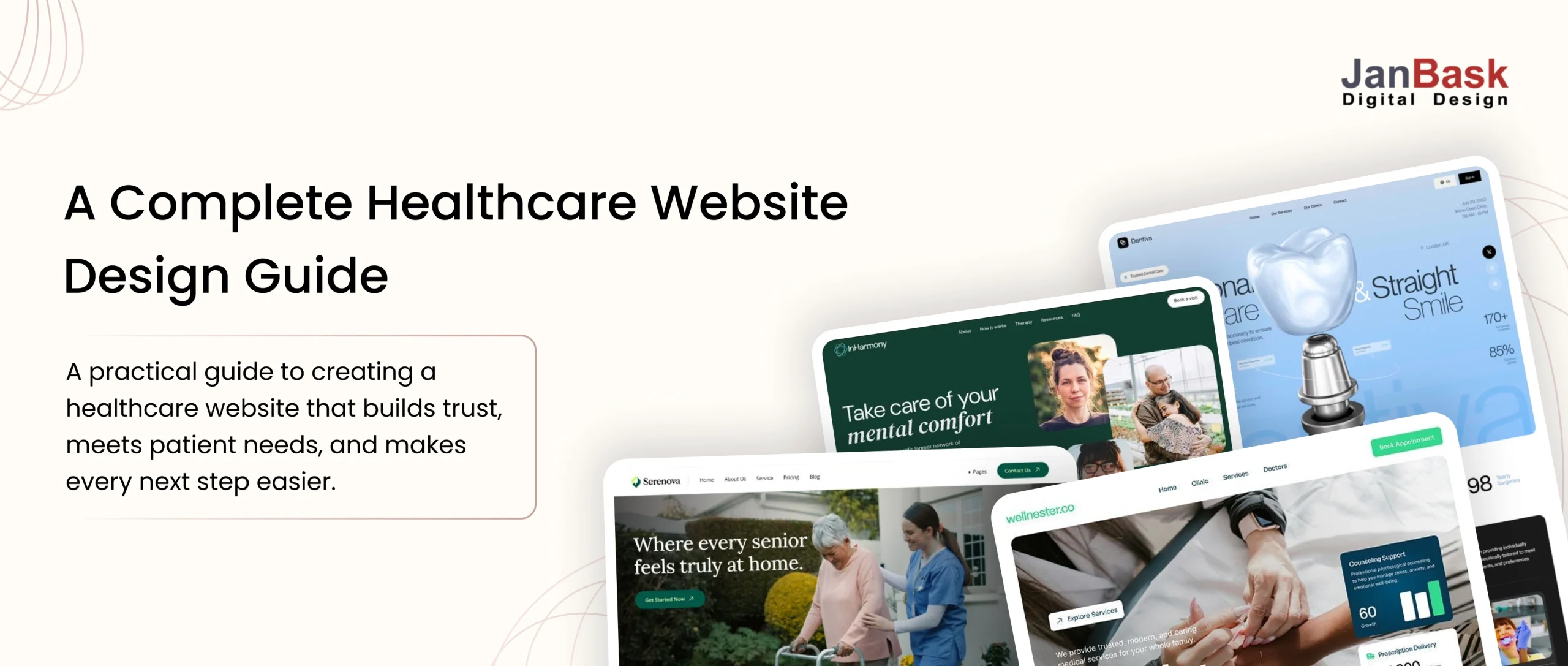
Quick Answer: What Makes a Good Healthcare Website?
A good healthcare website makes it easy for patients to find information, build trust, and take action. It should offer:
- Simple, intuitive navigation
- Clear, patient-focused content
- Accessible and mobile-friendly design
- Fast page performance
- Strong privacy and security
- Easy appointment and contact options
- Clear calls to action
The goal is simple: help patients find what they need without friction.
Website design isn’t just about how your website looks. For a healthcare organization, it can be the first interaction a patient has with your practice long before they walk through the waiting-room doors.
Confusing website navigation can make it harder for visitors to find the right information. A slow page can send users to your competitors. A poorly designed form can make an important next step feel unnecessarily difficult. Every one of those moments shapes how patients perceive your organization.
This healthcare website design guide goes beyond colors, layouts, and visuals. We’ll look at what really matters to patients from accessibility and privacy to website performance and the journey they take from finding your website to taking the next step.
Whether you’re launching a website for a private clinic or modernizing a multi-location healthcare organization, this guide covers the key decisions from compliance and essential features to platform selection, cost, ROI, and common mistakes so you can create a website patients can trust and use with confidence.
Healthcare Website Design Principles: What Makes It Different From Other Industries
Healthcare website design is different because you’re not simply creating a website that looks good. You’re creating an experience for people who may be worried, confused, uncomfortable, or actively looking for help.
That means you need to think beyond colors, images, and layouts. Privacy, trust, accessibility, patient needs, usability, and clear communication all play a role.
Think of these as different layers of the same experience. When they work together, your website becomes something patients can actually rely on.
The Compliance Layer
Think of compliance as part of the foundation of a healthcare website.
You’re not simply designing a page. Depending on what the website does, you may be helping collect, transmit, or handle sensitive patient information.
Healthcare organizations can have obligations under HIPAA when they handle protected health information (PHI). This can affect appointment forms, contact forms, data transfers, third-party services, analytics tools, and other features that may interact with patient information.
The important thing is not to leave privacy and security until the end of the project.
From the beginning, ask:
- What information is the website collecting?
- Does the form really need all of that information?
- Where does the information go?
- Which systems or vendors can access it?
- How is sensitive information being transmitted and stored?
- Are the appropriate agreements and safeguards in place?
You don’t need to be a legal expert to understand the basic principle: privacy and security should be considered during the design and planning process, not added as an afterthought.
The Trust Layer
Now put yourself in a patient’s shoes.
You visit a healthcare website for the first time. You don’t know the doctor or clinic yet. Would you feel comfortable sharing your information or booking an appointment?
That’s where trust becomes important.
Small design decisions can influence how trustworthy a website feels. Real photos, clear provider profiles, professional credentials, patient-focused content, easy-to-find contact information, and a clean layout can all help.
The opposite can also be true. Outdated information, broken links, confusing pages, poor-quality images, or an unprofessional layout can make visitors question the organization behind the website.
Your design should quietly answer one important question:
“Can I trust this organization to take care of me?”
The Patient-Intent Layer
This is where you need to think like a patient instead of a designer.
People usually don’t visit healthcare websites just to browse. They arrive with a specific reason.
Maybe they want to:
- Book an appointment
- Find a doctor
- Understand a diagnosis
- Learn about a treatment
- Find the clinic’s location
- Check office hours
- Contact the healthcare provider
- Find information for a family member
They may also be dealing with stress while searching.
That’s why healthcare websites should use simple language, clear navigation, and easy-to-find actions. Avoid unnecessary medical jargon when plain language will do the job.
The goal is not to display everything your organization wants to say. The goal is to answer the question the patient actually came to the website to ask.
Engaging Patients Online
Getting someone to visit your healthcare website is only the beginning. You also want to make it easy for them to continue their journey.
Start with the basics: use short paragraphs, clear headings, useful visuals, and direct answers to common questions.
Think about the questions a real patient might ask:
- “What happens during this procedure?”
- “How do I prepare for my appointment?”
- “How can I contact the office?”
- “Can I schedule an appointment online?”
Features of healthcare websites such as appointment scheduling, live chat, patient portals, FAQs, Insurance and Payment, Virtual Check-in,Video Consultation, and other interactive tools can make the experience more useful when they serve a genuine patient need.
But don’t add a feature simply because it looks impressive.
Good healthcare design reduces confusion and helps patients take the next step with less effort and less stress.
Building Trust Across the Website
Trust isn’t created by one photo or one “About Us” page. You build it through consistency.
Every part of your healthcare website should reinforce the same message: your organization is credible, careful, professional, and focused on patients.
That means keeping information accurate and up to date. If a doctor listed on your website no longer works at the clinic, or your office hours are incorrect, visitors can quickly lose confidence.
You should also pay attention to everyday healthcare website performance. Slow pages, broken links, confusing navigation, and outdated content can quietly damage trust.
Think of every page as another opportunity to show visitors that your organization pays attention to the details and the website influences the patient’s choice.
Core Compliance Requirements Every Healthcare Website Should Consider
This is the part many people want to skip, but it is also the part you shouldn’t gloss over. No healthcare website design guide is complete without understanding the privacy, security, and accessibility requirements that can shape the entire project.
Healthcare website compliance can involve privacy, accessibility, data handling, vendors, and the specific requirements that apply to your organization. The exact obligations can vary based on what information you collect, what services you provide, where you operate, and which systems you use.

HIPAA and Protected Health Information Basics
If your website collects information that falls within PHI, you need to think carefully about how that information is handled.
A form asking for a patient’s name, date of birth, reason for a visit, or other health-related information can create privacy and compliance considerations depending on the context.
That means you should look beyond the form itself.
Consider the entire flow:
Patient → website form → hosting/platform → third-party tools → internal systems
Every part of that process can matter.
If a third-party vendor handles PHI on behalf of a covered entity or business associate, a Business Associate Agreement (BAA) may be required. The exact requirements depend on the relationship and the services involved.
The key takeaway is simple: don’t assume a form is safe just because it looks secure. Understand where the information goes and who can access it.
The Tracking-Pixel Issue You Shouldn’t Ignore
Analytics and advertising tools deserve special attention on healthcare websites.
Tools such as Google Analytics and advertising pixels can collect information about how visitors interact with a website. When those tools operate on pages associated with health information or patient interactions, you need to carefully assess what data is being collected, whether it can be associated with an individual, where it is sent, and whether the setup is appropriate for the information involved.
This is why you shouldn’t automatically place standard analytics or advertising tracking on every healthcare page.
Instead, review your analytics setup as part of your privacy and compliance process. Depending on your requirements, privacy-focused or healthcare-oriented analytics solutions may be worth evaluating.
ADA and WCAG Accessibility Requirements
Accessibility is another important part of healthcare website planning.
The Americans with Disabilities Act (ADA), Section 504, and other applicable requirements can create accessibility obligations depending on your organization and circumstances. WCAG provides widely used technical guidance for making websites more accessible.
For organizations subject to specific federal accessibility requirements, deadlines and standards can also depend on the applicable rule and organization type.
Rather than treating accessibility as something to fix just before launch, build it into your design system from the beginning.
Think about keyboard navigation, screen readers, color contrast, text resizing, image alternatives, captions, forms, and clear content structure.
And remember: an accessibility widget or overlay by itself should not be treated as a substitute for addressing underlying accessibility problems in your website.
State-Level Privacy Laws You Should Consider
HIPAA isn’t the only privacy consideration.
Depending on where you operate and who you serve, state privacy laws may also apply. California, Virginia, Colorado, and other states have enacted privacy laws that can create additional obligations depending on the organization and the information involved.
If you serve patients across multiple states, your privacy approach should account for the requirements that actually apply to your organization.
This is one area where a generic website checklist may not be enough. Your legal, compliance, and technology teams should determine which requirements apply to your specific situation.
Must-Have Healthcare Website Features for a Modern Practice
So, what makes a healthcare website actually work?
It isn’t just attractive colors, professional photos, or a modern layout. Your website should help patients find information, complete important tasks, understand their options, and feel confident about taking the next step.
Think about it this way: if a friend told you, “I’m redesigning my healthcare website or developing a new healthcare website. Where should I start?” you would want to give them more than a list of design trends.
You would want to tell them what patients actually need.
Here are the healthcare website design features and principles worth prioritizing.
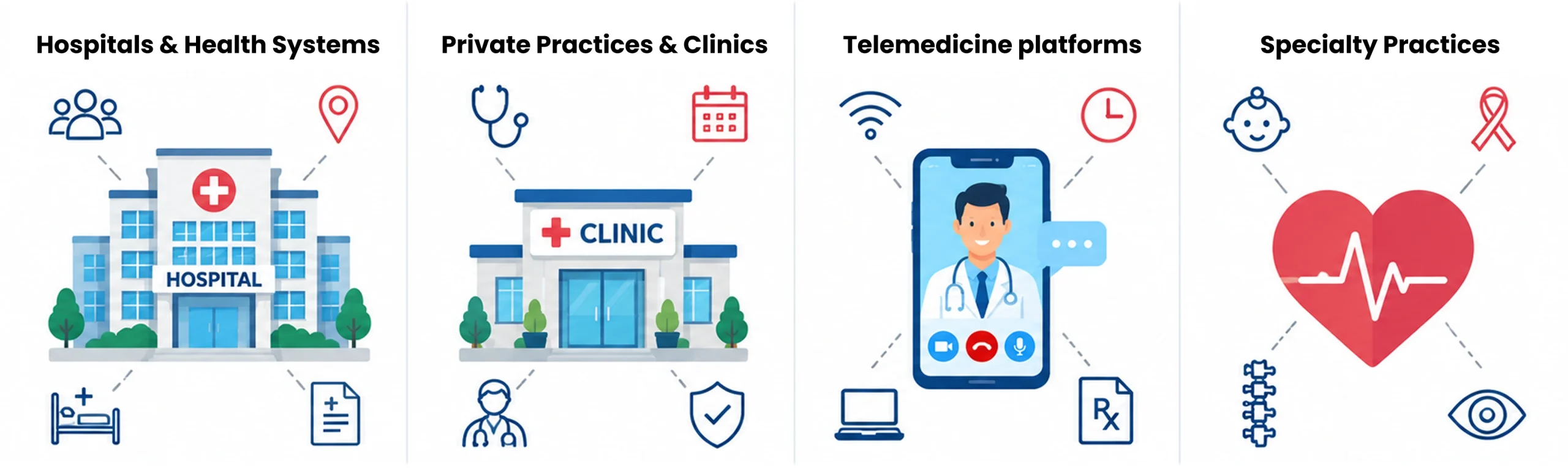
Online Appointment Scheduling
Make it easy for patients to find a provider, choose an available time, and book or request an appointment online. Reminders and rescheduling options can make the process even easier.
Easy Navigation and Patient-Friendly Design
Organize your website around what patients actually want to do-find a provider, explore services, check insurance, find a location, or book an appointment. Keep important actions visible and reduce unnecessary steps.
Accessibility and Multilingual Support
Make your website usable for people with different abilities, devices, and language needs. Consider keyboard navigation, readable text, proper form labels, image alternatives, captions, and translated content where appropriate. Accessibility needs to be considered from the very beginning, not treated as something to fix after a healthcare website is built.
Secure Forms and Patient Portals
If your website handles sensitive patient information, consider privacy and security throughout the entire data flow. Patient portals, intake forms, and other connected services should have appropriate safeguards.
Provider Profiles and Trust Signals
Help patients understand who will be providing their care. Include relevant credentials, specialties, experience, languages, and locations. Appropriate reviews, accreditations, and professional affiliations can also strengthen E-E-A-T (Experience, Expertise, Authoritativeness, and Trustworthiness).
Telemedicine, Triage, and Emergency Care
If you offer virtual care, make it easy to find and understand. AI-powered triage and appointment routing can also help visitors determine where to start, provided these tools are clearly positioned as support rather than a replacement for professional medical judgment. Emergency and urgent-care information should remain easy to locate.
Search, SEO, and AI Search
Make information easy to find both on your website and through search engines. Use clear headings, useful content, descriptive page titles, and structured information. Local SEO can also help patients discover your practice when searching for healthcare services in their area.
Mobile Performance and Speed
Your website should work smoothly on phones and load quickly. Keep buttons easy to tap, forms simple to complete, and important information accessible without unnecessary waiting. Website performance is crucial for organizations and individuals within the digital age. A fast and optimized website improves user experience.
Patient-Friendly Content and Interactive Tools
Use plain language instead of unnecessary medical jargon. FAQs, treatment guides, condition explainers, videos, calculators, service finders, and other interactive tools can help patients understand their options.
Clear Calls to Action
Every important page should guide patients toward a clear next step. Use specific CTAs (call to action) such as Book an Appointment, Find a Provider, Contact Our Office, or Schedule a Virtual Visit instead of vague phrases like “Click Here.”
Focused Landing Pages
Landing pages give patients a focused experience for a specific service, campaign, or patient need. For example, a New Patient Visit page can explain what to expect, what information is needed, and provide one clear action to schedule an appointment. No matter if you manage a medical center, sell medical supplies, or host healthcare-related events, the best landing pages serve people and give them what they want.
Consistent Healthcare Branding
Keep your logo, colors, typography, imagery, messaging, and tone consistent across your website and other patient-facing channels. A consistent healthcare branding experience helps reinforce recognition and trust.
Website Redesign
Consider a redesign when your website no longer meets patient needs-not simply because it looks outdated. Poor mobile usability, confusing navigation, outdated content, or an inefficient appointment process are stronger reasons to rethink the experience and consider redesigning the website.
Ongoing Website Maintenance
Launching your website isn’t the finish line. A regular website maintenance plan helps keep provider information, services, forms, integrations, content, performance, and security-related updates accurate and reliable.
Choosing a Platform: WordPress vs. Webflow vs. Custom Build
Once you know what your healthcare website needs to do, you have another important decision to make:
What should you build it with?
Instead of asking, “Which platform is the best?”, ask:
“Which platform makes the most sense for my practice?”
| Factor | WordPress | Webflow | Custom Build |
| Best for | Content-rich healthcare websites | Design-focused marketing websites | Complex healthcare platforms |
| Content management | Excellent | Good | Depends on the CMS built |
| Design flexibility | High | Very high | Very high |
| Blog & educational content | Excellent | Good | Requires custom setup |
| Integrations | Wide range of options | Good, but more limited | Highly flexible |
| Customization | High | High | Highest |
| Maintenance | Requires regular updates | Generally simpler platform management | Requires ongoing technical support |
| Scalability | Good with proper setup | Good for many marketing sites | Excellent for complex requirements |
| Development cost | Low–Medium | Medium | High |
| Technical expertise | Moderate | Low–Moderate | High |
| Ideal healthcare use case | Practices, clinics, multi-location content sites | Brand-focused practices and marketing sites | Hospitals, portals, advanced workflows |
| Main consideration | Plugins and ongoing maintenance | Platform and integration limitations | Higher cost and complexity |
A good healthcare web design agency shouldn’t push every client toward the same solution. They should understand your goals and recommend WordPress, Webflow, or custom development based on your actual needs.
The best platform isn’t the one with the most features.
It’s the one that gives you the right features without creating problems you don’t need.
How Much Does Healthcare Website Design Cost?
Healthcare website design costs vary based on the website’s size, functionality, integrations, content, and customization.
As a general planning range:
- Small practice: $4,000–$8,000
- Mid-size clinic: $8,000–$20,000
- Complex hospital or telehealth platform: $15,000–$50,000+
Features such as EHR/EMR integrations, patient portals, multilingual content, custom booking workflows, and extensive content migration can increase the overall cost.
You can keep the initial investment manageable by launching essential features first and adding advanced functionality later. It is also important to budget for ongoing healthcare website maintenance, including content updates, performance monitoring, security updates, and technical support.
If you’re planning a redesign, reviewing your current website’s technology and performance can also help identify where investment is actually needed before development begins.

Healthcare Website Design Ideas for Hospitals, Clinics, and Specialty Practices
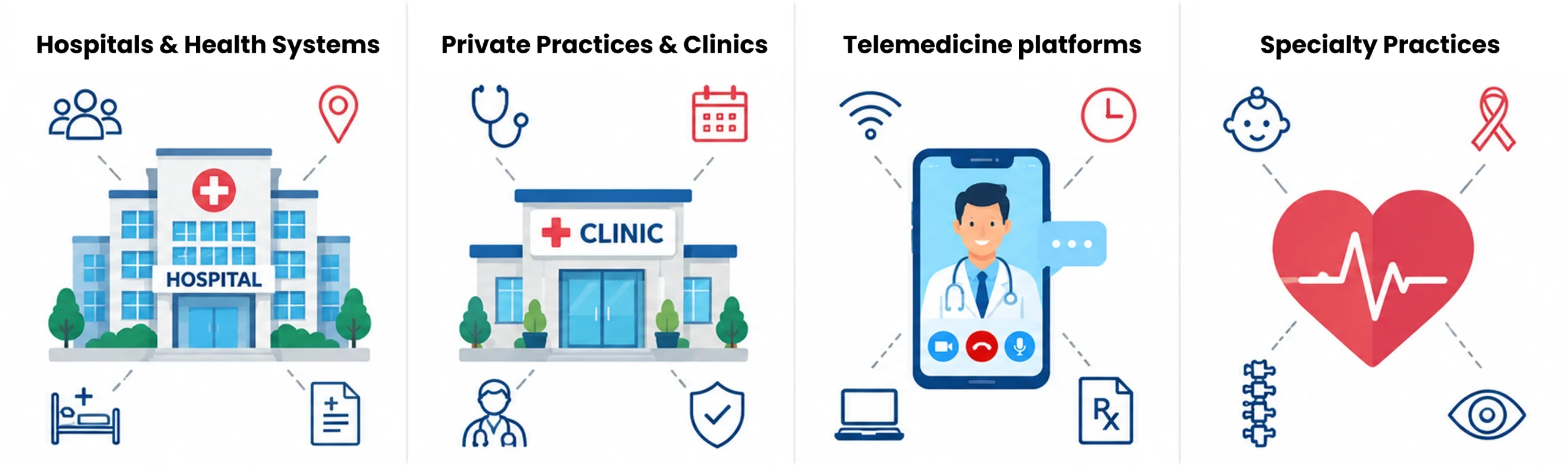
Not every healthcare organization needs the same type of website. A single-doctor clinic and a large hospital system may share many of the same basic requirements, but the way those requirements are presented can be very different. Looking at real healthcare website examples makes this contrast clear – the structure, tone, and priorities shift depending on the size and type of organization.
Hospitals and Health Systems
Hospital systems need to manage a lot of information-service lines, providers, departments, locations, specialties, resources, and more-without burying the tasks patients actually came to complete.
The challenge is to create depth without creating confusion.
Your navigation should help patients quickly answer questions such as:
Where should I go? Who should I see? How do I make an appointment?
Private Practices and Clinics
Smaller practices usually have a simpler patient journey.
Clear provider bios, insurance information, services, office details, and an easy booking process may matter more than a complicated website structure.
Keep the experience focused. Every page should help patients understand the practice and move toward the next useful step.
Telemedicine Platforms
Telemedicine websites have a different challenge.
Before a patient registers, they may already be wondering:
“Will this actually work for me?”
Your website should answer those questions early. Explain how virtual visits work, what patients need, how they connect with a provider, and what happens next.
Specialty Practices
Specialty practices also need to think about the emotional side of the patient experience.
A pediatric website may need to reassure parents and make information easy for families to understand. A fertility clinic may need to create a stronger sense of privacy, warmth, and sensitivity.
These small shifts in healthcare website design by specialty can make a meaningful difference.
How to Choose a Healthcare Web Design Agency or Partner
Choosing the right partner can be just as important as choosing the right platform.
Start by asking how the agency approaches privacy, security, accessibility, integrations, and ongoing maintenance.
| What to Check | What to Look For |
| Compliance | Privacy, security, data handling, and BAAs where applicable |
| Healthcare Experience | Relevant healthcare projects and understanding of patient needs |
| Accessibility | Proper accessibility testing and remediation-not just an overlay |
| Technical Capability | Experience with integrations, content, security, and maintenance |
| Team Fit | Freelancer, agency, or in-house team based on your project complexity |
| Pricing | Value and experience, not simply the lowest cost |
Use this as a practical healthcare website design guide and checklist when evaluating potential website design partners: compliance first, relevant experience second, and price third.
Common Mistakes That Can Derail Healthcare Website Projects

Here are a few mistakes worth watching for.
Treating Analytics Like an Afterthought
Don’t automatically add standard analytics or advertising tracking to pages that involve sensitive health information.
Review what the tools collect, where the information goes, and whether the setup is appropriate for your organization’s privacy and compliance requirements.
Relying on an Accessibility Overlay Alone
An accessibility overlay isn’t a replacement for fixing underlying accessibility problems.
Your website should be designed and tested for accessibility at the code, content, and interaction levels.
Designing Navigation Around Your Organization Chart
Patients don’t necessarily think in terms of your internal departments.
They may search for a symptom, condition, service, body part, provider, or location.
Design your navigation around the way patients actually look for information rather than simply mirroring your organizational structure.
Skipping the Mobile Performance Audit
Don’t wait until after launch to discover that your website is slow or difficult to use on a phone.
Test mobile performance before launch and review it regularly afterward.
Building a Healthcare Website That Earns Trust
A healthcare website should make it easier for patients to find answers, build trust, and take the next step. From clear navigation and accessible design to secure forms and fast performance, every element should support the patient journey.
The best healthcare websites aren’t simply designed to look good; they’re designed to reduce friction and build confidence at every interaction.
If your healthcare website needs a better patient experience, stronger performance, or a complete redesign, JanBask Digital Design can help. Our healthcare website design services combine patient-focused UX, responsive design, SEO, accessibility, and healthcare-specific functionality to create websites built around both patient needs and organizational goals.